Morningstar DesignWorks, LLC · Release 1.0
Mechanism Pattern Studio
Seven real linkages, a rotating platen, and a pen that draws what they do. Set the bar lengths, pick where the pen sits, and watch the figure close — or deliberately miss, and let it precess.
$24.99Instant download · one HTML file, with the seven nomenclature sheets and the guide inside it

What it is
A drawing machine you can actually build
Every figure here comes from a mechanism that could be cut from plate and pinned together: a four-bar, a drag link, a slider-crank, a five-bar with a pinned or sliding joint, a telescoping two-crank, a cam and follower. The studio solves the linkage properly at every step rather than drawing a pretty curve that resembles one, so it tells you immediately when the bars you have chosen cannot reach.
Mount the whole thing over a turntable and the pattern is the mechanism's path wrapped around a rotation. That is where the density comes from, and where the control is.
Seven mechanisms
Each with its own presets, all of which assemble through a full sweep. No hunting for a set of lengths that works.
Precession
Detune the platen by a fraction of a degree and every closure lands slightly rotated. The readout tells you how many passes you have drawn and how far round they have got.
Layers
Keep a trace, change the setup, keep another. Each layer holds the settings that made it, and the title block on the export lists them.
Built for a machine
True-size SVG, a single-stroke title block that CAM software can actually read, and a line width that is what the pen receives rather than what looks right on screen.
The seven
Pick any one to read its nomenclature sheet — every dimension named, the same sheets the studio carries.
Try it · free
Drive one right now
No download, no sign-up, nothing to install. This is the real studio with some of it held back: change a link, move the pen, and watch the curve build up as the platen turns.
You are watching a preview. Click it to take over.
The demo gives you the four-bar and the slider-crank, with 200 revolutions. The paid version adds:
- All seven mechanisms
- Five cam profiles
- 4,000 revolutions
- True-size SVG
- CSV of every point
- Layered compositions
- Save and load layouts
- The offline file, yours to keep
Selected output
What comes off it
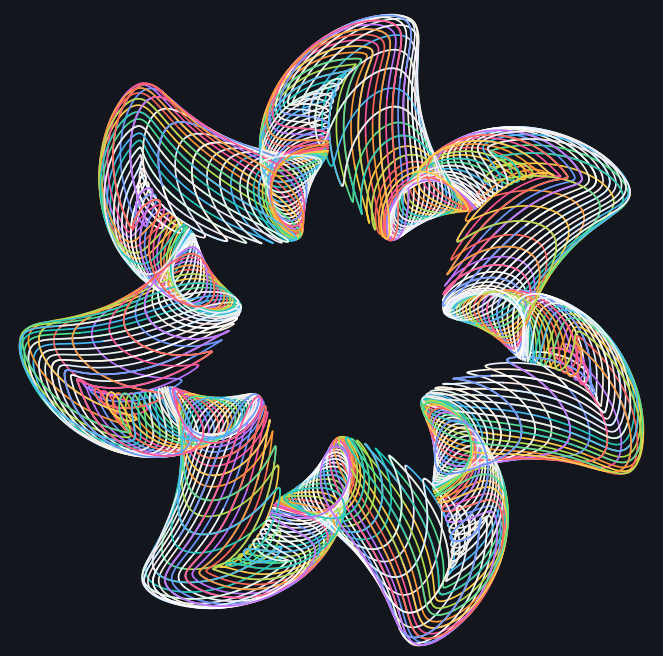

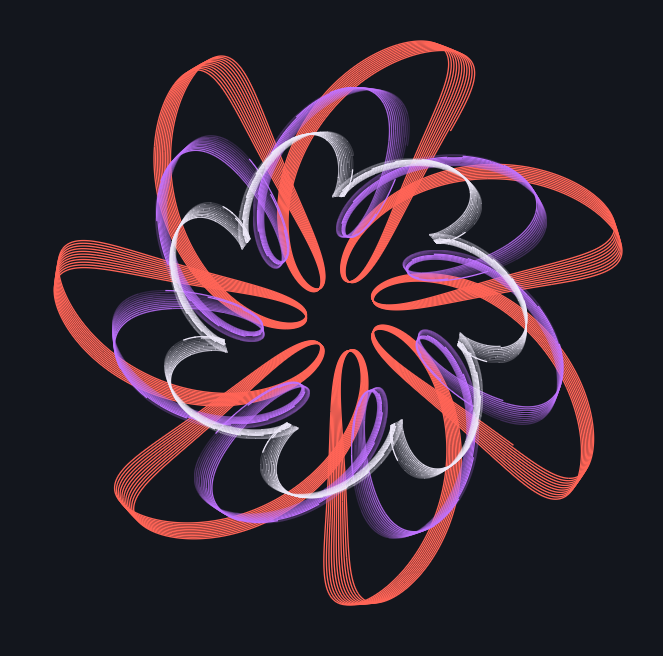
Specifications
The detail
- Mechanisms
- 7
- Presets
- 28, all verified to assemble
- Output
- SVG, true size · CSV point list
- Title block
- single-stroke, machine readable
- Ink
- 16 presets or free HSL
- Layers
- unlimited, each self-describing
- Runs in
- any current browser, offline
- Delivery
- one HTML file
Get it
One file, yours to keep
Single tool
Mechanism Pattern Studio
- Seven mechanisms with verified presets
- Turntable, detune and layers
- SVG and CSV export
- Nomenclature sheet for each mechanism, built in
Both tools
Studio and Track Generator
- Everything above
- Trochoid Track Generator — real gear teeth, real tracks
- Shared colour, fade and export behaviour across both
- One guide covering the pair
Questions
Before you buy
Do I need CAD?
No. It is one HTML file that runs in a browser, offline, with nothing to install. If you do use Fusion, the exported SVG imports as sketch geometry.
Will it drive my laser or plotter?
The SVG is true size in millimetres with the line width you set, and the title block is drawn as single-stroke polylines rather than text, so CAM software reads it as geometry instead of ignoring it. Set the width for the machine and use the screen vividness control to see it.
How is this different from the Track Generator?
The Track Generator rolls a planet gear around a track and cuts real teeth. This one solves pin-jointed linkages. The Generator gives you spirograph families; the Studio gives you the curves a four-bar or a five-bar traces, which are a different shape of thing entirely.
What do I get?
One HTML file, with the seven nomenclature sheets and the written guide inside it — a button beside the mechanism selector opens the sheet for whatever you are drawing, and Help opens the guide covering sampling, closure, precession and export. Updates to the release you bought are free.
Start with a preset and turn one knob
Every preset assembles, so nothing is broken before you touch it. Change the platen ratio and the whole family opens up.
Get the studio — $24.99